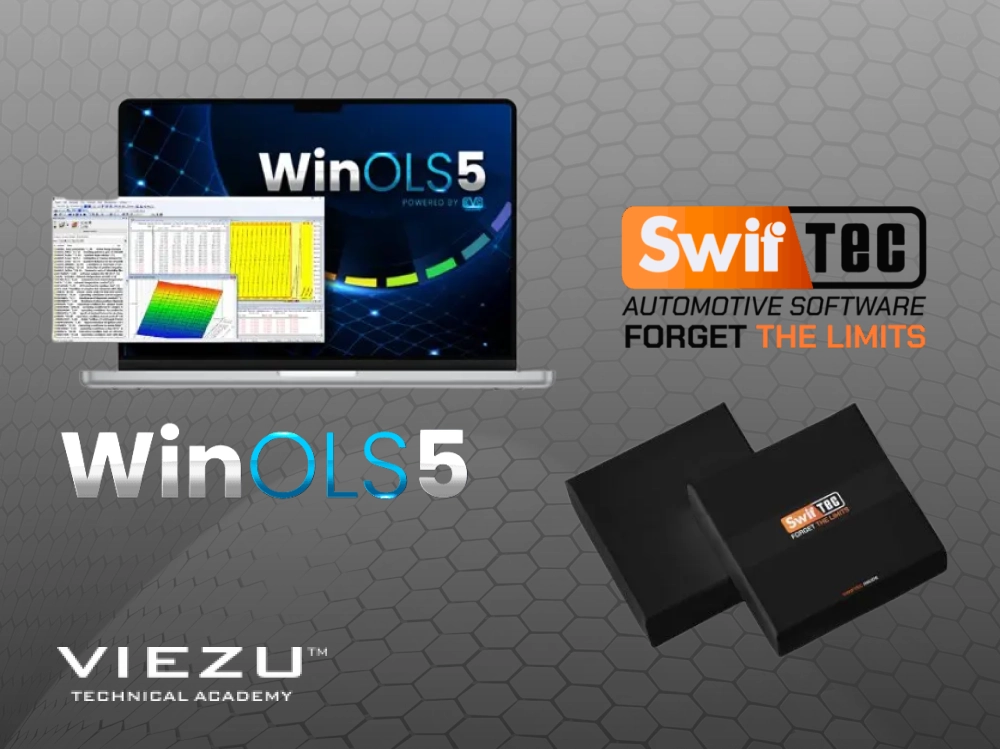
If you are looking to move beyond basic file slave setups, your choice of software is key – it shapes your technical capabilities and target markets. Many professional tuners find themselves weighing up the freedom and power of WinOLS against the automated features and convenience of platforms like SwifTec. But why choose just one platform? This article explores the benefits of using WinOLS and SwifTec together.
We look at how using these two powerful tuning softwares can create a hybrid workflow that is faster than manual editing alone and more precise than purely automated solutions. You will learn how to use SwifTec’s presets to handle DTC and emissions solutions while using WinOLS to “hand-finish” a performance tune. If you want to see if this dual-tool approach is worth the investment for your workshop, here is the breakdown.
Understanding the Software
Before looking at the integrated use of WinOLS and SwifTec tuning software, it is important to define where these tools sit in a professional environment. They are not direct competitors; they serve different roles in tuning and calibration.
What is WinOLS 5?
WinOLS, developed by EVC, is arguably the industry standard for professional, high-level ECU file editing. The latest version is WinOLS 5. WinOLS 5 allows a tuner to manually search for and edit maps within the raw data read from a vehicle’s ECU. Its power lies in its unrestricted access. You can modify virtually any parameter you can identify, giving you complete control over the final tuning file. This makes it incredibly powerful for creating truly custom calibrations from scratch. However, this level of freedom also presents a steep learning curve. For a newcomer, a file opened in WinOLS can look like an intimidating sea of hexadecimal code.
What is SwifTec?
SwifTec is tuning software that is designed for speed and logic-based automation. It features automated map detection and “single-click” solutions for common tuning tasks. It acts as a guide to the user, identifying the necessary tables so you don’t have to hunt for them manually. This is particularly useful for rapid development and high-volume workshops. This makes it an excellent platform for those who need to produce reliable tunes quickly and efficiently.
Why Use WinOLS and SwifTec Together?
Using these platforms in tandem creates a workflow that is simultaneously powerful and efficient, merging raw customisation with guided precision. This is a strategy that we explore often in our VIEZU Technical Academy advanced tuning training courses.
Let’s look at the 3 benefits of using WinOLS and SwiftTec tuning software together.
Speed and Precision in Map Identification
Identifying maps in WinOLS, especially on new or rare ECUs, can be a slow process. By opening the file in SwifTec first, you can use its automated detection to find the key maps. You then use these addresses to navigate the same file in WinOLS. This validation method ensures you are working on the correct data tables before you start manual editing.
Streamlined Emissions and DTC Solutions
SwifTec is highly efficient for “switching things off”. It offers reliable presets for DTC (Diagnostic Trouble Code) solutions and emissions solutions.
- The Workflow: Use SwifTec to apply the emissions solutions or “switches” quickly.
- The Finish: Import that modified file into WinOLS to perform the actual performance calibration (fuelling, timing, boost). This ensures the “clean-up” work is done fast, but the power delivery is still manually perfected.
Deconstructing Files for Learning
For those still mastering WinOLS, SwifTec acts as a translation layer. By seeing how SwifTec identifies and names a map, and then finding that same map in the WinOLS hex or 2D view, you begin to understand the structure of the data. It makes the “sea of hex” in WinOLS much less intimidating.
Using SwifTec and WinOLS
The SwiftTec to WinOLS Workflow
The most effective way to use these tools is to let SwifTec handle the heavy lifting of complex emissions deletes before importing the modified file into WinOLS for analysis.
- SwifTec for Speed: It offers a streamlined flow for disabling AdBlue, EGR and DPF systems. You simply load the file, apply the specific module settings and save.
- WinOLS for Validation: By comparing the SwifTec-modified file against the original in WinOLS, you can “dig into the code” to see exactly which bit-switches were flipped or which maps were flattened. This is the fastest way to learn the logic behind automated solutions and build your own map packs for future projects.
Technical Example: BMW Sports Display Recalibration
A common request involves recalibrating the “Sports Display” on BMW F and G-series vehicles. When a vehicle is tuned, the factory power and torque gauges will still show stock maximums unless the specific display data is updated.
Finding these values is a needle-in-a-haystack task; you are essentially looking for a single data point within a field of two million. While some automated tools can attempt this, they often miss the specific scaling factors for non-standard engine variants. By using SwifTec to identify the general area of the data and WinOLS to manually adjust the hex values, a tuner can precisely align the dashboard’s visual output with the new engine performance.
Real-World Case Study: Overcoming Complex Torque Limiters
A “real-world” scenario where this software duo is essential involves modern Bosch MD1 and MG1 ECUs, often found in high-performance VAG or BMW vehicles.
The Problem
You might use SwifTec to apply a Stage 1 tune or a DPF solution, but during road logging, you find the vehicle is hitting a “hidden” torque limiter. These limiters are often not part of the standard map search and are buried deep within the code structure.
The Combined Solution
- SwifTec: Use the “Special Maps” or “Map Recognition” features to identify the primary torque structure. SwifTec is often faster at locating these standard maps than a manual search in WinOLS.
- WinOLS: If the car is still hitting a ceiling, you move the file to WinOLS. Because WinOLS is a developer-level tool, it allows you to look for “single value” limiters ($1 \times 1$ maps) that automated software might ignore. You can search for the specific hex value (the torque limit in Nm) that corresponds to the ceiling you saw during logging.
This combination ensures that you aren’t just “clicking and praying” but are instead using SwifTec to do the 90% of the work quickly, while WinOLS allows you to solve that final 10% of “map-missing” issues that set apart a developer from a routine tuner.
How to Choose Your Tuning Training Path, to Develop Your Tuning Skills
At Remap101, the online home of the VIEZU Technical Academy (VTA), we provide structured upskilling journeys for every level of experience:
- Absolute Beginner: If you are a mechanic or garage owner looking to understand the fundamentals, our online car tuning training is the best place to start.
- Intermediate Tuner: For example, for those already using one tool who want to add a second (like SwifTec or StageX) to validate their work and speed up their workflow.
- Advanced Professional: Master WinOLS 5 with our in-person, hands-on courses. These take place at our HQ in Warwickshire or our international locations such as in the US.
Training Costs & Tips: You can phase your learning to manage costs and cash flow. You can start from as little as £75 for an online module, and later move to in-person workshops as your business grows.
We have a full 2026 training calendar now available. It is always worth calling our team at +44 (0) 1789 774444 to check for last-minute availability or Early Bird discounts on upcoming training events.
Why Choose the VIEZU Technical Academy?
Training with us means you aren’t just buying a course; you are gaining access to the broader experience, expertise, and resources of the VIEZU group.
- IMI Accredited: We are an IMI Approved Training Centre, meaning your skills are recognised by the UK’s lead body for the motor industry which has more than 100,000 members worldwide.
- The Dyno Advantage: Our HQ in Bidford-Upon-Avon features a 3000hp Mustang MD-AWD-500 dynamometer. This mechanically linked system is a great asset for training, permitting you to test your tuning and remaps in action. This dyno allows for safe testing of high-power 4WDs and heavy trucks without damaging sophisticated drivetrains or triggering traction control issues.
- On-Going Support: We provide technical back-up and advice long after your course ends. Our expert file writers are there to support your business growth.
Explore Free Tuning Resources
Before committing, you can access our free resources:
- Free Tuning Training Courses
- VIEZU Webinar Showcase
- Technical tips on our YouTube Channel
About The Author
Paul Busby is the CEO of Remap101. An experienced vehicle engineer specialising in post-production defect investigation and manufacturer-level homologation, Paul led VIEZU to win the Queen’s Award in 2014. He is usually found in the VIEZU workshop or demonstrating the 670 BHP F-Type Predator to customers.
Benefits of using WinOLS and SwifTec together FAQs
Is WinOLS suitable for beginners?
WinOLS is advanced tuning software, but not impossible for beginners to learn and use if approached through structured training. We help you move from “guessing” to “knowing” exactly what you are looking at.
Do I need a dynamometer?
A dyno is an excellent way to accurately measure the impact of your remap live. It is an extremely useful tool for high-level tuning and calibration, and for professional validation and safety.
Can I just use SwifTec?
Yes, you can just use SwifTec tuning software, but adding WinOLS allows you to offer a “bespoke” service. It’s the difference between a “standard” tune and a professional calibration tailored to a specific vehicle’s modifications.


