Magicmotorsport FLEX Korhex ECU Unlocking Training
Learn how to set up and use the Magicmotorsport FLEX Korhex tool to unlock supported ECUs using the boot glitch method.
This free online training module from VIEZU Technical Academy takes you through the complete Korhex process, from activating the tool and connecting it to FLEX through to ECU preparation, backup, unlocking and the important post-unlock read.
Using a Bosch MD1 ECU as a practical example, Simon demonstrates the full workflow on the bench and explains the setup, connection and alignment steps required for a safe and reliable unlock.
Understand the Korhex hardware
The module begins with the Korhex kit itself.
You will see the main hardware included in the kit and how each component is used, including:
- the Korhex tool
- dedicated power supply
- USB-C connection cable
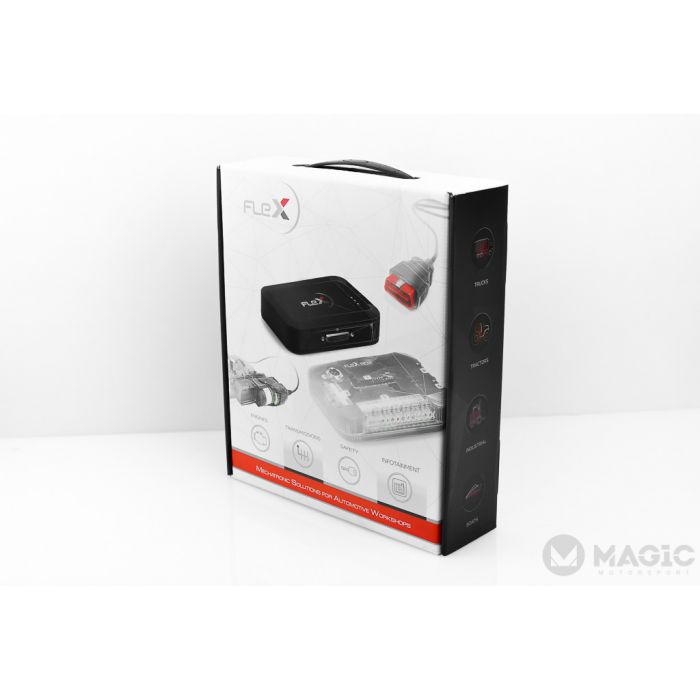
- FLEX adapter board
- Korhex antenna
- microprocessor alignment masks
Simon also explains why the supplied Korhex USB-C cable and antenna need to be used correctly during the process.
Activate Korhex with Magicmotorsport FLEX
Before carrying out an ECU unlock, you will see how to activate Korhex through the Magicmotorsport portal and add the tool to your account.
The training then covers the Korhex section within FLEX software, including the tool status indicators and the connection tutorial provided within the software.
Connect and prepare the ECU
Correct ECU preparation is a key part of the Korhex process.
The course shows how to:
- select the correct ECU within FLEX
- choose the required bench and boot glitch protocol
- identify the required power, ground and communication connections
- follow the FLEX connector manual
- connect Korhex to the FLEX hardware
- prepare the ECU before beginning the unlock procedure
Simon also explains why the individual FLEX power connections must be connected to the correct ports, even where more than one power lead is used.
Position Korhex correctly
Accurate positioning over the ECU microprocessor is essential.
You will learn how the supplied masks can help align Korhex with the correct point on the processor, along with how to position the tool manually where a suitable mask is not available.
The module also demonstrates the use of an adjustable jig to hold Korhex securely in position. This helps prevent movement during communication and keeps the tool correctly aligned over the microprocessor.
Back up the ECU before unlocking
Once communication has been established, the module demonstrates the importance of taking a full ECU backup before carrying out the unlock.
A complete backup provides a recovery point if an issue occurs during the procedure.
Simon then works through the Korhex unlock process within FLEX, including the status messages and progress stages shown during the operation.
Follow the correct post-unlock workflow
Completing the unlock is not the end of the process.
The module recommends taking a fresh read of the ECU after unlocking before making any tuning changes.
The workflow demonstrated is:
Backup. Unlock. Fresh read. Modify.
This provides a clear professional process for preparing the ECU file before calibration work begins.
Reduce the need for traditional component removal
Korhex allows supported ECU unlocks to be carried out without the traditional process of removing and resoldering small components from the ECU circuit board.
In the example demonstrated during the module, the Korhex unlock completes in 2 minutes 54 seconds. Simon compares this with traditional resistor-removal glitch procedures which can take considerably longer in some applications.
What you will learn
By the end of this module, you will understand how to:
- activate Korhex through the Magicmotorsport portal
- connect Korhex to a FLEX tool
- understand the Korhex status indicators
- locate the correct ECU protocol
- prepare the ECU for bench communication
- identify the correct FLEX connections
- use Korhex alignment masks
- manually align Korhex where required
- securely position Korhex above the microprocessor
- take a full ECU backup
- carry out the Korhex unlock procedure
- take a fresh ECU read after unlocking
- follow a structured professional ECU unlocking workflow
Free access. Registration required.
Register with VIEZU Technical Academy to access the complete Magicmotorsport FLEX Korhex ECU unlocking training module.